What Is an Agent Node? A Practical n8n-Based Guide
This guide defines an agent node as an LLM-driven decision loop that chooses tools at runtime, using n8n's Tools Agent as reference. It breaks down its anatomy of chat model, tools, and non-persistent memory, contrasts it with deterministic IF/Switch nodes on predictability and failure modes, details production pitfalls like loops and silent wrong answers, and shows how bounded iterations, trace logging, and human approval gates keep autonomy safe.
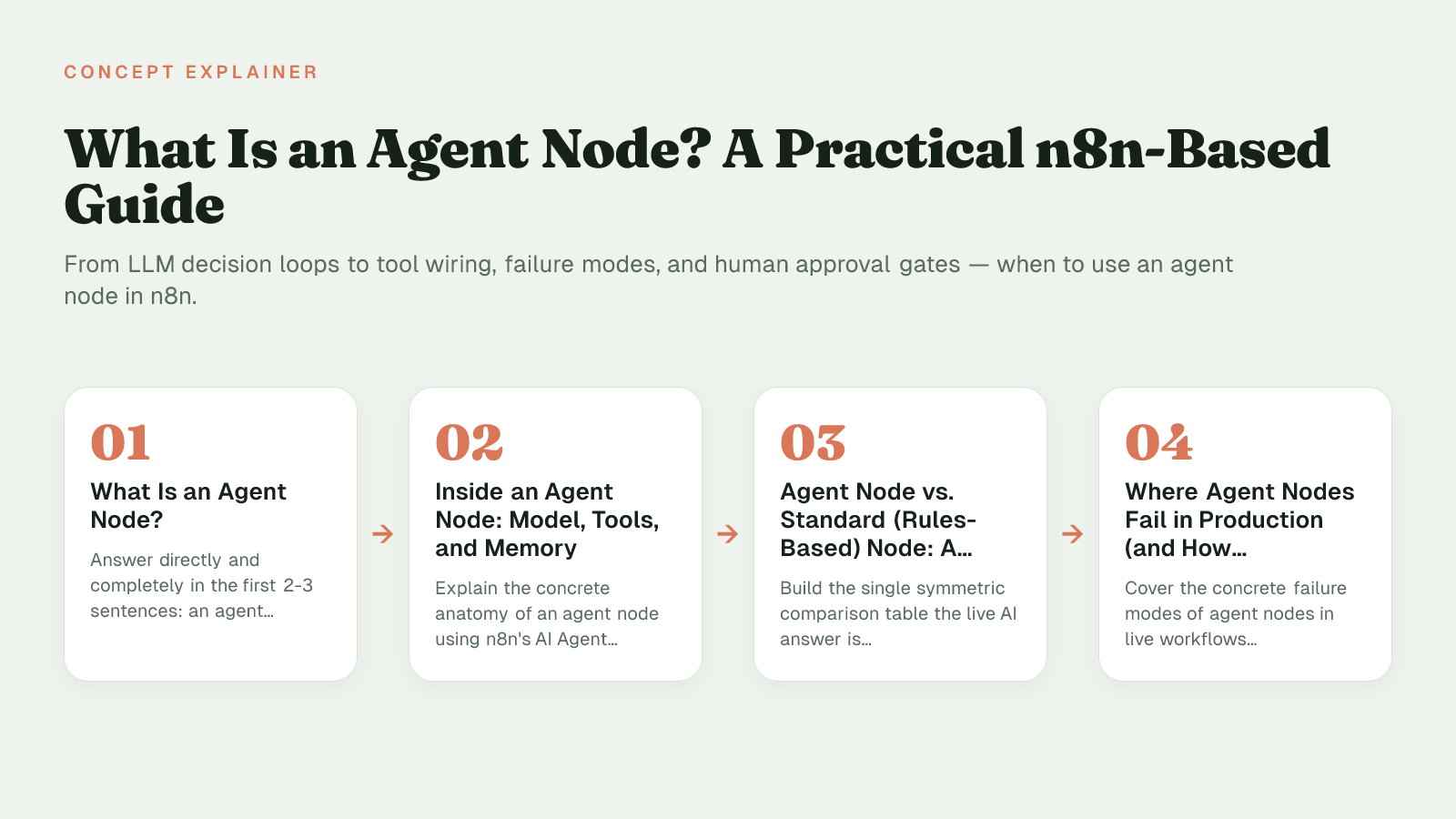
What Is an Agent Node?
An agent node is a workflow component, for example n8n's AI Agent node, that embeds an LLM-driven decision loop into an otherwise deterministic automation, letting it choose which connected tools to call and in what order rather than following a fixed if/else path. Is it just a fancy IF node with AI bolted on? Not quite: the difference is that a standard node executes a branch you wrote in advance, while an agent node decides its own path at runtime.
The model is explicit in n8n's docs: the AI Agent node lets you build an AI agent by connecting a chat model and one or more tools, and the agent decides which tools to call to complete a task. Since n8n 1.82.0 that behavior is standardized as a Tools Agent, with older type options deprecated.
Microsoft Copilot Studio, LangGraph, and Flowise use different UI and labels, but the underlying idea is the same: a single node that can reason over a prompt, call tools, observe results, and decide the next step. Understanding those platform differences is part of picking the right path to build.
That shift from prescribed logic to delegated decision-making is what makes agent nodes useful for open-ended work like triage, research, or multi-system lookup, and risky if you treat them like a standard node. Once you know what an agent node is, the next question is what's actually inside it.
Inside an Agent Node: Model, Tools, and Memory
An agent node is not a single LLM call but a cluster of three linked parts in n8n: a chat model connection, a set of tool sub-nodes, and a memory sub-node that together run a tool-calling loop.
The common mistake is treating it like prompt plus one API call, when the platform actually wires distinct components that negotiate with each other. That anatomy explains a lot, but it also raises the obvious question of when you'd want this complexity at all.
How n8n wires it
In n8n the Tools Agent understands the capabilities of different tools and determines which tool to use depending on the task. It implements LangChain's tool calling interface, which describes available tools and their schemas so the model can pick a tool and populate arguments, often via $fromAI() for dynamic parameters.
Tools can be any sub-node you attach: HTTP Request, Code, vector store retrievers, calculators, or app actions like CRM lookups. The execution is a loop: model reasons and emits a tool call, n8n runs the sub-node, the observation returns to the model, and it reasons again. The loop is bounded explicitly, where Max Iterations defaults to 10, and you can return intermediate steps to see which tool was chosen and why.
Memory and context scope
Memory is not baked into the chat model call. You attach a memory sub-node so that users can have an ongoing conversation with multiple queries, but memory doesn't persist between sessions unless you add external persistence.
This pattern is not n8n-specific. LangGraph documents prebuilt architectures for common LLM and tool-calling loops and encourages you to mix deterministic, hand-coded steps with LLM-driven agentic steps in a single graph. The workflow determines the stack: keep the model focused on decision and tool selection, keep state, tool definitions, and memory wiring explicit and auditable.
Agent Node vs. Standard (Rules-Based) Node: A Side-by-Side Comparison
An agent node in n8n lets an LLM choose at runtime which action to take and decides which tools to call to complete a task, while a standard rules-based node like IF, Switch, or Set executes a fixed, deterministic branch with no model cost. That runtime choice has a real price: an independent benchmark of 107 real data engineering workflows found that even the most stable agent framework carried a per-task token and latency cost, and could still fail with hangs and infinite loops.
The difference matters because the workflow determines the stack. n8n treats the agent node as a Tools Agent that must have at least one tool sub-node connected to run, while standard nodes rely on explicit conditions you can inspect in version history.
| Criterion | Agent Node | Standard/Rules-Based Node |
|---|---|---|
| Predictability | Non-deterministic; LLM decides which tools to call at runtime | Deterministic; fixed IF/Switch path, same input/output |
| Debuggability | Requires tracing tool-call history; failures hidden in reasoning | Linear execution log; inspect conditions and data each step |
| Failure Modes | hangs, infinite loops, truncation, incomplete orchestration | Explicit validation errors; no looping without loop node |
| Oversight / Control | Needs max iterations, tool schemas, approval gates | Explicit branch logic; role-based workflow edit access |
Give AI a well-defined job only when the inputs are too varied for rules. If you can list the branches, a standard node wins on predictability, debugging, and cost. If the request is open-ended like "categorize this email and pick the right enrichment API," the agent node is justified. For build-or-buy framing around that choice, see Custom AI Agents: Build vs Buy Decision Guide.
Use an agent node only when the decision space is genuinely too open-ended for if/else logic; otherwise a rules-based node is cheaper, faster, and easier to debug.
Choosing the right node type is one part of the job. The other part is what happens when the agent gets it wrong.
Where Agent Nodes Fail in Production (and How to Catch It)
Agent nodes fail in production when the LLM selects the wrong tool, invents arguments, loops on a bad response, or returns a well-formatted wrong answer that passes validation, and production studies show tool calling fails a noticeable share of the time in live traffic.
You ship a workflow that refunds invoices, it runs 40 times overnight, and by morning the execution log shows the same search tool called 12 times per run with two refunds posted to the wrong IDs and a 200 OK everywhere. The comparison tells you when to reach for an agent node; here's what breaks once you actually deploy one.
The failure modes you see first
- Non-terminating loops. Without an exit condition, an agent that gets a malformed payload retries the same call, fills the context window, and burns token budget until the platform times out.
- Hallucinated tool arguments. A function expecting
{"user_id": int}receives{"userId": "last_week"}. The tool rejects it or returns empty data, and the agent proceeds on null. - Silent wrong answers. Some tools return HTTP 200 with empty or wrong payloads. Without schema validation on the return, the agent treats missing data as success and reasons forward on it. Observability that only checks status codes misses this class entirely.
- Cost and latency blow-up. Each retry is another model call. A task that should take one call can turn into many more, which directly increases latency and spend.
Three mitigations that catch it early
1. Bound iteration count at the orchestration layer. n8n documents a Max Iterations setting that limits how many times the model can run to generate a response before stopping. Set it tight for classification (1-2), looser for research (5-10), and add a workflow-level execution timeout. Never leave loop control to the model.
2. Log the full decision trace, not just final output. Production studies show tool calls fail regularly in production and silent 200s with empty payloads are the most damaging. Capture which tool was selected, exact arguments sent, raw return, and similarity across consecutive turns. Alert on rising step counts and identical inputs, not just error rates.
3. Put a human gate before irreversible actions. Chain an approval or review node before any tool that writes, pays, or sends. If the intermediate validation fails a schema or confidence check, route to a human queue instead of letting the agent continue with bad state.
Keeping Humans in the Loop Around an Agent Node
Keeping humans in the loop around an agent node means the workflow must pause before the agent executes an irreversible tool, and only resume after a person explicitly approves or denies that specific call.
The trade-off is autonomy versus control: you want the agent to decide when to research, draft, or enrich, but you don't want it to send an email, write to a database, or publish content without a checkpoint. Give AI a well-defined job, then gate the risky edges.
Three patterns work in practice:
- Approval gates before irreversible actions. Require review for tools that send external communications, modify records, or delete data. In n8n you add a human review step in the Tools panel of the AI Agent node, connect only the high-risk tools to it, and configure an approval channel.
- Confidence-based routing. Output a score or flag from the agent (e.g., low confidence, missing citation), and use an IF node to route below-threshold results to a Slack or email review queue instead of auto-publishing.
- Audit logging of the reasoning trace. Store what the agent tried to do, with what parameters, and who approved it. n8n exposes this via the
$tool.nameand$tool.parametersvariables so reviewers see exactly what the AI wants to call before deciding. The platform pauses and sends the approval request through your configured channel such as Slack, Telegram, or the n8n Chat interface, and informs the agent if the request is denied.
For content publishing, the pattern is: agent researches and drafts, proposes a publish_to_cms tool call with title, slug, and body, a human reviews in Slack with the full payload visible, and on approve, the publish tool runs and the execution is logged for later audit. Getting this balance right (autonomy where it helps, a human where it matters) is ultimately a judgment call about your specific workflow.
Deciding If an Agent Node Belongs in Your Workflow
A publisher operations team swapped a keyword router for an agent node to sort inbound pitches, then reverted when editors spent more time fixing edge cases than writing. An agent node belongs in your workflow only when the decision itself requires open-ended judgment, not just faster routing.
AI-powered content systems and workflow automation built around your team’s tools, processes, and goals—designed, implemented, and maintained by a Cambridge-trained automation engineer.
Ask three questions before you add one:
- Is the decision space genuinely open-ended? If you can write the rules in advance with an IF or Switch, use rules. Reach for an agent node when inputs vary in intent, tone, or missing context that rules cannot capture.
- Is the cost of a wrong tool call low enough to tolerate? If the action writes to a CMS, emails a client, or spends budget, the risk is too high for autonomous execution. Keep the agent node on read-only work or behind a clear checkpoint.
- Is there a clear place to put human review? Give AI a well-defined job (research, draft, or triage) then hand the artifact to a person before it becomes permanent.
If you answer yes to all three, an agent node can shorten the path. If not, a hybrid works better: rules handle the known cases, and the agent node handles the ambiguous remainder.
Choosing that split and building the review around it is the kind of workflow-first judgment Hesham Mashhour - AI Content Systems is built to make for teams running research, document processing, and content publishing pipelines in n8n, systems you own and can maintain without adding hidden complexity.
Sources (8)
Frequently Asked Questions
What happens if I try to run an AI Agent node without connecting a tool?
The execution will not complete. n8n requires at least one tool sub-node connected to an AI Agent node, because the agent has nothing to choose from to complete the task.
Do I still need to select Tools Agent as the agent type in n8n?
No. The agent type setting was deprecated from n8n 1.82.0, and now all AI Agent nodes work as a Tools Agent automatically. You just connect a chat model and tools and the node handles tool selection.
How do I keep conversation history working across multiple turns?
Attach a memory sub-node so users can have an ongoing conversation with multiple queries. By default memory doesn't persist between sessions, so for long-term recall you need to add external persistence like a database or key-value store.
What does Max Iterations control in the agent loop?
It is the maximum number of times the model should run to generate a response before stopping. In the Tools Agent the default is 10 iterations, which you should lower for simple classification and keep higher only for research tasks with a workflow timeout as backup.
How does n8n tell the model what my tools can do?
The Tools Agent implements LangChain's tool calling interface and exposes each tool's schema. It understands the capabilities of different tools and determines which tool to use for a task, often populating arguments via $fromAI().
What should I put behind a human approval step?
Put any tool that performs irreversible actions behind review, like sending messages, modifying records, or deleting data. In n8n the workflow pauses and waits for Approve or Deny, so the agent cannot proceed until a person decides.
What does a reviewer actually see when an approval is triggered?
Reviewers see the proposed action via $tool.name and $tool.parameters, which show which tool and parameters the AI wants to use. That payload is shown in your configured channel before you approve or deny.
Which channels can handle that approval request?
You can route approvals through Slack, Telegram, or the n8n Chat interface. The platform pauses the execution and sends the request through the channel you configured, then resumes or stops based on the response.