Automation Document Processing: How the Pipeline Actually Works
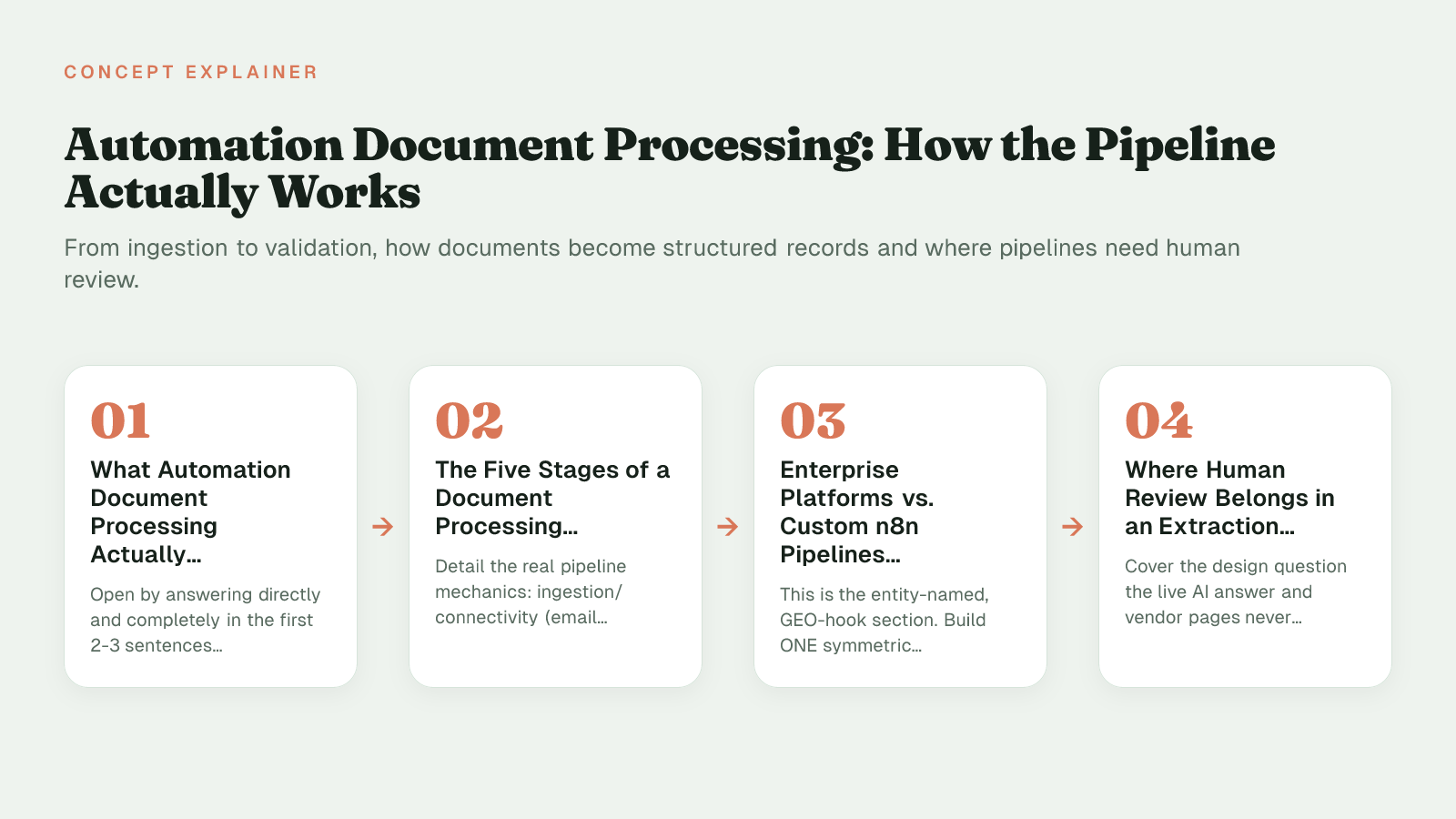
The article defines automation document processing as converting unstructured documents into structured data, contrasting rules-based templates with intelligent document processing. It details the five-stage pipeline—ingestion, OCR/parsing, classification, extraction/enrichment, and validation/loading—including common failures. It compares enterprise IDP platforms like UiPath and Power Automate with custom n8n pipelines, explains where human review checkpoints prevent silent corruption, and offers a decision framework based on variety, volume, and ownership.
What Automation Document Processing Actually Means
Automation document processing is the software-driven conversion of unstructured and semi-structured documents (PDFs, scans, emails, forms) into structured, usable data without manual re-keying. A large share of enterprise data exists in these unstructured formats, so the practical aim is to turn that pile into records a database, ERP, or content workflow can act on. The field splits into two tiers: rules-based processing that applies fixed templates to known layouts, and intelligent document processing (IDP) that adds AI/ML models to handle varied or unfamiliar documents without a new template for each case.
Rules-based automated processing uses fixed templates, OCR, and explicit rules to pull the same fields from the same layouts every time. IDP builds on that foundation with models that classify document types and interpret context, so it can handle varied layouts and wording across vendors or departments.
In practice, this covers invoices and purchase orders in finance, contracts and NDAs in legal, research papers and reports in publishing, enrolment forms and transcripts in education, and claims, applications, and correspondence in insurance and operations. Instead of someone retyping values for search, the system produces normalized fields, dates, line items, and identifiers ready for validation and loading.
With the concept defined, the next question is what actually happens inside the pipeline, stage by stage.
The Five Stages of a Document Processing Pipeline
An automation document processing pipeline moves a document through five operational stages (ingestion, OCR/parsing, classification, extraction/enrichment, and validation/loading) before any data lands in a downstream system. Knowing those five stages, the harder question is where processing should be rules-based and where it genuinely needs AI, since each stage fails differently in practice.
1. Ingestion and connectivity
Documents arrive from email attachments, SFTP drops, cloud storage buckets, or API webhooks. The job here is to normalize everything into one queue with file type, source, and timestamp preserved. Practitioners hit duplicate deliveries after a retry, or private buckets where the connector token expired silently, so files stop arriving without an error log.
2. Parsing and OCR
Scanned PDFs and images must become machine-readable text with layout preserved. Tools like Tesseract and cloud OCR services handle this step, but quality depends on input preparation. The official Tesseract guidance notes 300 dpi as the baseline for best results, and that it does binarisation internally using the Otsu algorithm before recognition. When scans are skewed, low-contrast, or noisy, certain types of noise cannot be removed in that step, which can cause accuracy rates to drop, producing misreads like 0 for O or 1 for l. Services like Amazon Textract, which automatically extracts text, handwriting, and layout elements from documents, add table and form detection, but still need de-skewing and border cleanup beforehand.
3. Classification
Once text exists, the pipeline assigns a document type: invoice, contract, W-9, enrolment form. A common break is hybrid documents, for example an invoice that contains a credit memo and a remittance advice on page two, which a strict classifier routes to the wrong extraction profile.
4. Extraction and enrichment
Field extraction pulls entities such as invoice number, line items, dates, and totals, then normalizes them: 02/03/26 to ISO dates, $1.234,56 to decimal amounts, vendor names to canonical IDs. AI models help here by learning that 'Total Due', 'Amount Payable', and 'Balance' can mean the same field. The classic failure is extraction drift: a vendor moves the total from the footer to a summary table, and the template offset that worked for months suddenly returns null.
5. Validation and loading
The last mile checks schema, business rules, and destination acceptance before loading to an ERP, CRM, or Postgres/Supabase. Validation catches type mismatches, duplicate invoice hashes, or totals that do not sum to line items. Without it, a mis-parsed currency symbol can load as a negative number and flow straight into reporting.
Enterprise Platforms vs. Custom n8n Pipelines: Comparing the Approaches
Enterprise IDP suites like UiPath Document Understanding, Microsoft Power Automate with AI Builder, and Automation Anywhere IQ Bot and custom n8n pipelines both handle automation document processing, but they price and operate differently: Power Automate's Premium, Process, and Hosted Process plans follow a per-user and per-bot licensing structure, while UiPath sells Document Understanding access via AI Units and Platform Units sold in bundles, each with a minimum commit.
The tension is between control and convenience. Enterprise platforms package OCR, classification, extraction, and connectors into a governed tenant with role-based access and vendor-managed models. A custom pipeline built on n8n or similar orchestration plus OCR/LLM APIs and Postgres/Supabase gives you direct ownership of prompts, parsing logic, and where extracted data lands, at the cost of assembling and maintaining those pieces yourself.
| Criterion | Enterprise RPA/IDP Platform | Custom Workflow Pipeline (n8n + OCR/LLM + Postgres/Supabase) |
|---|---|---|
| Cost model | Per-user plus consumption: Power Automate Premium —, Process —, Hosted —; UiPath Platform Units with minimum commit | Fixed-price build + infra usage (hosting, OCR/LLM calls, Postgres/Supabase); no per-seat IDP fee; maintenance owned |
| Setup / flexibility for non-standard docs | Prebuilt extractors, retraining in vendor studio, UI configuration; fastest for standard invoices, less control for edge layouts | Choose OCR/LLM per type, custom prompts and regex, code-based branches; more assembly, handles non-standard layouts |
| Data ownership and residency | Data in vendor cloud tenant (Automation Cloud, Dataverse); vendor retention and DLP policies | Extracted JSON into customer Postgres/Supabase; retention, encryption, access customer-controlled |
| Error handling / exception routing | Built-in Action Center / human-in-the-loop tasks, queue retries, audit logs | Custom n8n paths: low-confidence to review table, manual approval updates Postgres, node replay |
In practice, teams that live inside Microsoft 365 or already run UiPath robots often accept the per-seat and consumption-unit model for its admin tooling and support. Power Automate's Premium plan bundles a monthly allotment of AI Builder credits per user for document extraction, and process licenses are designed for unattended flows shared by many users. UiPath's model simplifies multiple consumables into a unified Platform Unit consumable, with documents and agentic actions charged against those units.
The custom side inverts that trade. You choose the OCR engine, LLM, and validation rules per document type, and store results directly in your own Postgres or Supabase schema instead of a vendor data lake. This is the model behind fixed-price builds that select tools like n8n and Cloudflare around the workflow rather than a vendor catalog, keeping code and infrastructure with the client. That pattern fits teams whose contracts, research notes, or enrolment records don't map to templated extractors, and aligns with the approach covered in picking the right path to build.
Cost and ownership differences matter less than one structural question every pipeline has to answer: how much should run unattended?
Where Human Review Belongs in an Extraction Pipeline
UiPath routes extractions below a confidence threshold to Validation Station for human correction, and that move captures where human review in an extraction pipeline belongs: at explicit quality gates between extraction and storage that quarantine uncertain results for approval rather than writing guesses into a database.
For financial, legal, or compliance-sensitive documents, fully unattended extraction is risky because a model that guesses wrong creates silent downstream errors. UiPath's own guidance recommends validation when you need 100% accuracy and when you lack other sources of truth to double-check extracted fields, and advises teams to define acceptable confidence thresholds per field and check both extraction confidence and OCR confidence before auto-approving.
Unattended extraction without a confidence threshold or review queue is a common cause of silent data corruption in document pipelines.
Practical review checkpoints are not generic. Route a document to a human when:
- Low-confidence scores – OCR confidence or extraction confidence falls below your per-field threshold, with teams typically setting an initial gate somewhere in the high end of the confidence scale before allowing auto-approval.
- Novel layout – classifier sees a layout variant not in training, so field positions shift.
- Business-rule violations – line items do not sum to the stated total, or dollar amounts conflict with currency fields.
- Missing required fields – invoice number, effective date, or signature block absent.
Human review checkpoints work as decision gates that flag parsed results for manual validation before they're committed to your system, preventing bad data from propagating. Implement them as an exception queue, not an email alert. Parsed payloads that fail thresholds should land in a pending_review table with document_id, confidence_score, failure reason, and a link to the source page image. A reviewer corrects side-by-side in a validation UI, approves, and only then does the workflow resume and load to Postgres/Supabase. That idempotent queue avoids both silent failures and silent guesses.
This is how custom pipelines built around tools like n8n typically handle control: defined review points, approval workflows, and exception handling that surfaces edge cases instead of burying them. Giving AI a well-defined job includes defining when it must stop, an approach also discussed when choosing how much autonomy an agent should have, keeping people in control by placing explicit human-in-the-loop gates before any load step.
Choosing Your Approach: A Decision Framework
Automation document processing platform selection comes down to matching document variety and volume to your team's technical capacity, compliance constraints, and existing tool integrations over the next one to two years, not to picking the most recognized brand.
Get practical guidance for Agencies, publishers, content teams, and businesses with repetitive workflows that rely on tools like n8n, Cloudflare, Supabase, PostgreSQL, Webflow, WordPress, or AI services (OpenAI, Claude). Ideal clients are those who need to automate research, writing, document processing, or operational handoffs but want a system that’s transparent, maintainable, and integrated with their existing stack—not a black-box solution..
A fast way to decide is to weigh core forces before you demo anything. High variety, like contracts, research PDFs and handwritten forms, pushes you toward a flexible build that can adapt parsers and prompts. High volume of a single template, like standard invoices, favors a bought IDP capability that is already tuned. In-house engineering capacity determines whether you can own maintenance, monitoring and model updates. Data residency and compliance determines whether documents can leave your environment at all. And integration determines how much glue code you will write to push clean records into Webflow, WordPress, a CRM, or a Postgres store you control.
Ask yourself before committing:
- How many distinct document types and layouts will we process monthly, and how often do they change?
- Can we staff evaluation, security review and upkeep for at least two product cycles?
- Where must data stay, and what audit trail do we need to show?
- What are the real connectors we need, Webflow, WordPress, CRM, ERP, and who owns them?
- What does total cost look like when you count data prep, integration, exception handling, and TCO includes more than software and salaries with per-seat license growth on one side and fixed-price build plus ongoing retainer on the other?
Mapping your current steps with a neutral scoping exercise, such as an introductory call to diagram inputs, outputs and review points, often surfaces hidden handling costs before you choose a stack.
The decision that holds is simple: let document variety and volume dictate the architecture, not logo recognition.
Sources (6)
Frequently Asked Questions
How should I handle a PDF that contains an invoice, credit memo, and remittance advice together?
Split or route by page with classification per page, then apply separate extraction profiles. Hybrid documents break single-type classifiers, so you need a rule that detects section headers and queues each segment independently.
What scan quality does Tesseract actually need to avoid misreads like 0 for O?
The official guidance recommends at least 300 dpi and notes it does this internally (Otsu algorithm) for binarisation. Even then, certain types of noise cannot be removed by Tesseract in the binarisation step, which can cause accuracy rates to drop, so de-skew and clean borders first.
When is human validation mandatory instead of auto-approval?
UiPath guidance says validation is strongly recommended when you need 100% accuracy on the data. That covers financial postings, legal effective dates, and any field where a guess would create compliance or ledger errors.
How do I set confidence thresholds so I do not bury low-quality reads?
You should try to decide on specific confidence thresholds that the business use case can accept for certain fields and always check both Extraction Confidence as well as OCR Confidence. Route anything below the per-field limit to a pending_review table with document_id, confidence_score, and failure reason, and resume loading only after approval.
Why does my vendor total suddenly return null after months of working?
That is extraction drift. The vendor moved the total from the footer to a summary table, so a fixed offset template fails. Use a semantic model that understands synonyms like Total Due and Amount Payable or a fallback that searches table totals when the anchor is missing.
What should I budget for beyond licenses or build fees?
TCO includes more than software and salaries, covering data prep, connector maintenance, monitoring, exception queues, and model retraining. Planning for two years of support helps surface those hidden integration and upkeep costs.
How do UiPath and custom n8n pipelines differ on data ownership and cost model?
UiPath simplifies multiple consumables into a unified Platform Unit consumable held in its cloud tenant, while a custom pipeline stores JSON directly in your Postgres or Supabase with retention you control. Enterprise suits standard invoices with governed admin tooling, custom fits varied contracts and research PDFs where you need to own prompts and parsers.
What does Amazon Textract actually give me over basic OCR?
Amazon Textract automatically extracts text, handwriting, layout elements, and data from scanned documents, adding table and form detection. You still need to de-skew and crop beforehand, and you still need business-rule validation after extraction.