Self-Hosted vs. Cloud-Based Automation: Choosing the Right Fit
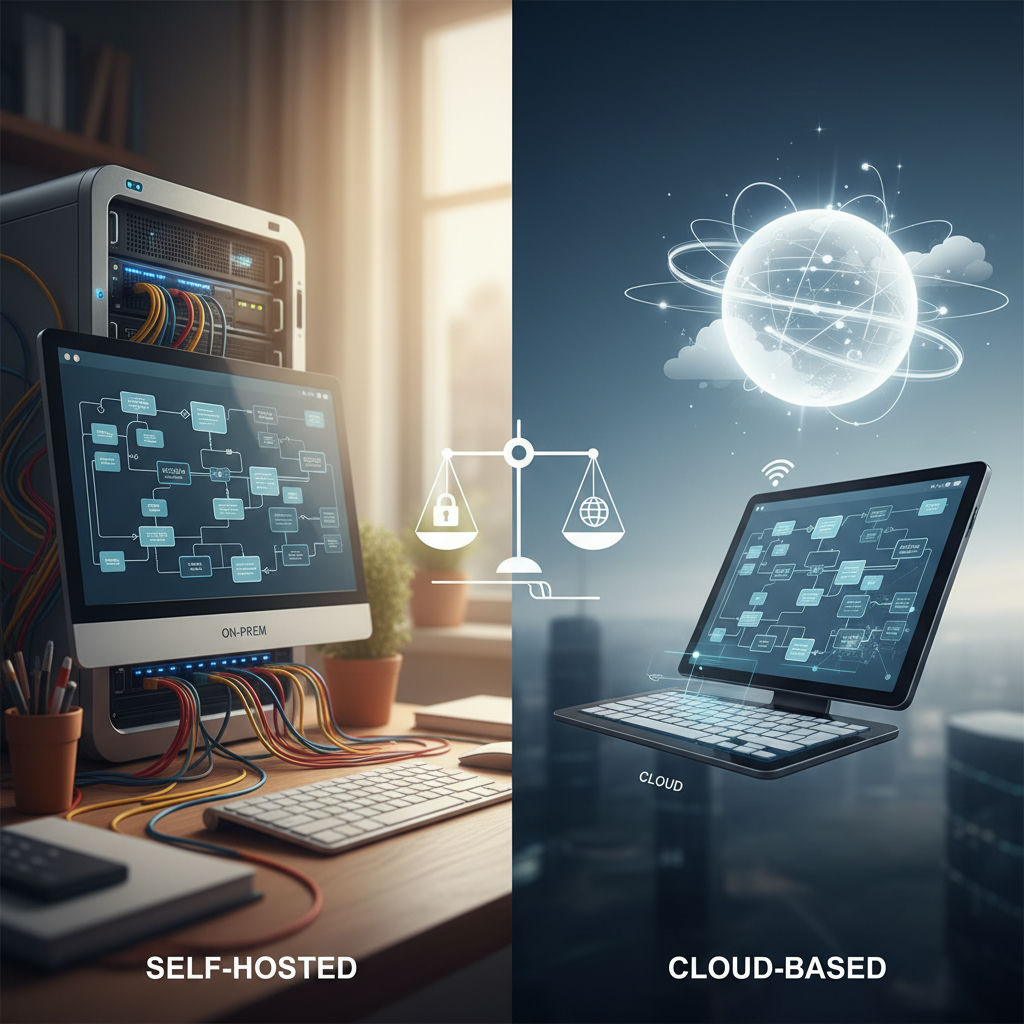
Self-Hosted or Cloud-Based Automation: What Actually Decides It
Self-hosted vs. cloud-based automation has no universally better winner; the right infrastructure is decided by compliance and data-residency exposure, in-house maintenance capacity, and how critical uptime and recovery are for that specific workflow, not by cost or trend alone. Most teams running n8n or similar automation platforms end up choosing per-workflow instead of committing their entire estate to one model.
That split happens because the tradeoffs live in different places. Self-hosted gives full control over where data is stored and processed, including on-premise setups, but shifts patching, monitoring, backups, and incident response onto your internal team. Cloud-based removes that operational burden and scales automatically, but puts data location, availability, and roadmap in the vendor's hands.
As independent practitioners frame it, the right choice depends less on ideology and more on context: compliance requirements, internal capabilities, and operational priorities.
Framing the call around those three factors, what compliance you must meet, what you can actually maintain long-term, and what happens if a specific workflow fails at 2am, makes the decision concrete rather than theoretical. To apply it without guessing, you need the tradeoffs laid out side by side instead of argued in the abstract.
Self-Hosted vs. Cloud-Based Automation: The Full Comparison
Self-hosted automation vs. cloud-based automation tradeoffs come down to seven variables, not one. Neither model wins everywhere: self-hosted gives you full data ownership and fixed infrastructure, while cloud-based gives you managed uptime and per-execution billing, with plans and execution allowances that vary by vendor and tier, worth checking directly on n8n's official pricing page before committing either way.
If you accepted from the opening that compliance exposure, maintenance capacity, and recovery criticality decide the choice, this table shows where each option actually scores on those three factors plus cost and scaling.
| Criterion | Self-Hosted Automation | Cloud-Based Automation |
|---|---|---|
| Upfront Cost | Software often free; you provide compute and setup | No infra to provision; subscription per vendor plan |
| Ongoing Cost Pattern | Fixed infra cost plus engineering time; idle capacity runs 24/7 | Usage-based; charges only for active job time |
| Control / Data Ownership | Full control; data stays in your VPC | Vendor holds runtime; storage per policy (e.g., EU Frankfurt) |
| Maintenance Burden | You own patching and upgrades; needs K8s skills | Vendor owns patching, upgrades, uptime |
| Scaling Behavior | Manual scaling; resource-packing and boot-time bottlenecks | Vendor autoscaling; burst instant, cost spikes with volume |
| Compliance / Data-Residency Fit | Strong fit for isolated networks and custom residency | Depends on vendor certifications and regions |
| Disaster-Recovery Ownership | You design backups, drills, and on-call | Vendor provides backup and SLA recovery |
The two rows teams mis-weight most are maintenance and scaling.
Maintenance is not just updates. CircleCI's self-hosted vs cloud decision guide notes self-hosted runners often mean Kubernetes, which has a steep learning curve and requires real engineering time to set up clusters, configure autoscaling, and build monitoring. Once live, you own uptime, performance, and incident response. For a small ops team, that on-call shift is the real cost, not the server rental. If you are already choosing between rules-based workflows and AI agents, the operational model determines whether you can keep the workflow deterministic when it breaks.
Scaling is misread in the opposite direction. Cloud looks expensive until you see idle capacity math. The same CircleCI guide explains cloud platforms charge only for active job time, while self-hosted infrastructure often runs 24/7 with spare capacity to handle peaks, plus custom scaling scripts and resource-packing problems. Cloud billing feels predictable at low volume, but frequency changes it fast: a workflow scheduled once a day runs a modest number of times a month, while one running every five minutes can rack up thousands of executions in the same period, enough to push a low-tier cloud plan into the next pricing bracket overnight. The guide also flags a practical threshold where self-hosting even starts to make sense: 1000+ jobs per month.
The table looks like a tie until you weight it by who's on call when something breaks. That's the real deciding row.
The Hidden Cost of Self-Hosting: What the TCO Numbers Miss
Self-hosted automation's total cost of ownership is dominated by operating labor, not server rent. In small teams the person who patches, monitors, and restores often costs more than the infrastructure they run, and a worked example from independent engineering writing on TCO models a senior engineer at a fully loaded salary spending a fraction of their working week on one platform, a labor cost that shows up before a drive is even purchased.
The table flagged maintenance burden as a swing factor; this section unpacks exactly what that burden consists of.
Patching is not a monthly chore you schedule and forget. For n8n, base OS, container runtime, Postgres, and dependencies each have their own security update cycle. Each update needs a test run against your workflows, a rollback plan, and a maintenance window that covers timezone gaps. When you skip this, risk accumulates as unpatched CVEs and drift between dev and prod that breaks a workflow at the worst time.
Recovery plan is where teams without dedicated DevOps underestimate the most. In practice it means three separate systems you must build and keep people in control of: automated backups stored off the same host or availability zone and designed for point-in-time restore; a failover path that can start the automation engine elsewhere with credentials and queue state intact; and monitoring with alerting that tells a human before a queue backlog becomes data loss. A backup you have never restored is not a recovery plan. You need a quarterly restore drill logged as labor hours, not hope, and that drill belongs on the TCO line.
Network egress rounds out the invoice surprise. Even when you self-host on a VPS or cloud VM, outbound data transfer is metered. Public cloud architecture notes that data transfer charges are often overlooked when architecting a solution, and internet egress pricing is tiered per gigabyte, so check current published rates directly, since major providers periodically revise their tiers. For automation that moves files, images, or webhook payloads to external APIs and clients, that meter compounds quickly and leaves the monthly budget less predictable.
When you add these lines (patch cycles, restore drills, on-call monitoring, and metered egress) the cheap monthly instance stops being the total. It becomes the smallest line.
Having shown the real cost of going fully self-hosted, the natural next question is whether there's a middle path.
Cloudflare Workers, Durable Objects, and the Hybrid Middle Path
Cloudflare built Durable Objects as a special kind of Worker that combines compute with storage, so one globally-addressable instance can keep state and coordinate clients without an external database. The hybrid middle path uses that primitive alongside Cloudflare Workers, D1, and Queues to keep core orchestration self-hosted on owned infrastructure while outsourcing durability, retry, and edge state to managed primitives.
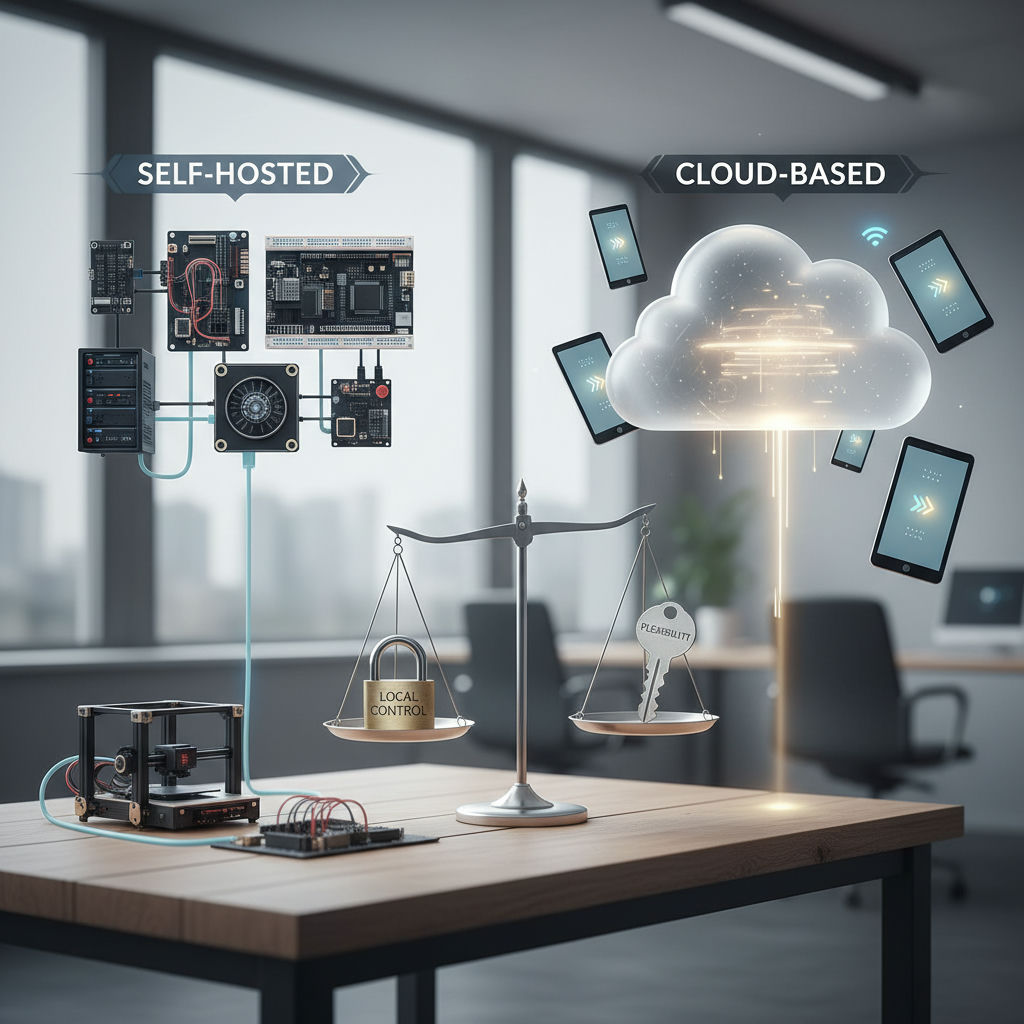
Having tallied the true cost of full self-hosting, this section introduces the architecture that lets teams avoid an all-or-nothing choice. The workflow determines the stack: keep n8n or your orchestrator where you control it, and give the edge jobs that need persistence to Cloudflare's platform.
What each primitive actually does
- Cloudflare Workers: a serverless execution environment that lets you create applications without configuring or maintaining infrastructure. In a hybrid design it handles webhook ingestion, auth, and routing at the edge.
- Durable Objects: Workers with a globally-unique name and durable storage attached that is strongly consistent and fast to access. That name lets any client send a request to the same object from anywhere, so the object can coordinate between multiple clients, maintain in-memory state, and use transactional, strongly consistent, and serializable storage. Alarms let it wake itself to perform compute in the future at customizable intervals.
- D1: Cloudflare's SQL-based native serverless database. Teams use it for small, queryable durability at the edge, such as audit logs, idempotency keys, or config that must survive a restart of the self-hosted engine.
- Queues: a message queue that integrates with Workers and offers guaranteed delivery with no charges for egress bandwidth. It is designed to offload work from a request, send data from Worker to Worker, and buffer or batch data, which maps directly to reliable retry and backoff for automation steps.
Why this is not Make/Zapier cloud
Managed automation SaaS runs the workflow for you and owns the queue, state, and recovery. The hybrid model is owned infrastructure with managed durability primitives: you still own the workflow files, credentials, and execution history on your host, but a Durable Object owns the single coordination point for a run ID, a Queue owns delivery guarantees, and D1 owns the edge ledger. You keep people in control of the orchestration while borrowing state handling you would otherwise have to build, back up, and patch yourself.
When the hybrid path earns its keep
Use it when a narrow part of the workflow needs stronger guarantees than local Postgres or filesystem provides: high-volume webhook de-duplication, rate-limit counters shared across regions, long-running coordination like human-in-the-loop approvals, or guaranteed retries when a downstream API returns 429. Put the durable name-keyed lock in a Durable Object, push the work item into Queues for automatic retry, write the outcome to D1, and let the self-hosted engine pull the result to continue. You get edge recovery without moving the whole system to a multi-tenant SaaS.
A Decision Framework: Compliance, Capacity, and Criticality
Should we self-host this automation or run it in managed cloud? The decision framework for self-hosted vs. cloud-based automation tradeoffs chooses self-hosted when handling regulated data that must stay in a specific region, chooses cloud when the team cannot staff on-call maintenance, and chooses hybrid when a single workflow cannot tolerate data loss even if the rest of the stack is cloud-friendly.
AI-powered content systems and workflow automation built around your team’s tools, processes, and goals—designed, implemented, and maintained by a Cambridge-trained automation engineer.
With self-hosted, cloud, and hybrid all defined, this section turns those options into an actual decision process you can run per workflow, not per company.
The three questions
The workflow determines the stack, so start with constraints, not infrastructure:
1. Compliance and data-residency exposure: If this workflow processes EU personal data, health data, financial records, or contract-restricted customer data, default toward infrastructure where you control residency and logs. If you must prove where data is stored and who can access it, self-hosted or hybrid with residency guarantees is the safer path. If the workflow touches only public content or anonymized metrics, cloud residency risk is low.
2. Maintenance capacity: If your team has no dedicated DevOps and cannot cover a broken patch at off-hours, self-hosting that workflow adds real risk. Keep people in control by matching ownership to capacity: choose managed for workflows where you cannot budget for patching, monitoring, and backup verification each month. Reserve self-hosting for workflows where someone is explicitly on the hook.
3. Criticality and loss tolerance: If downtime stops revenue, publishing, or customer onboarding, treat durability as a requirement, not a preference. Workflows that must survive retries and preserve state across failures justify a hybrid durability investment, even when the rest of your automation is cloud.
In practice this is run as a workflow-first diagnostic before any platform pick. That is how Hesham Mashhour - AI Content Systems approaches these choices: mapping compliance exposure, team capacity, and criticality per workflow, then recommending self-hosted, cloud, or hybrid because the work demands it, not because one model is the default.
Warning: teams that pick infrastructure before mapping compliance and criticality usually end up re-platforming within a year. Decide the workflow constraints first.
Use this one-page sheet to score one workflow at a time:
| Field | What to enter | Example value |
|---|---|---|
| Workflow name | Single workflow only | Daily revenue reconciliation report |
| Data types handled | PII, financial, health, public | EU customer emails and invoice totals |
| Residency requirement | Region or none | Data must remain in Germany |
| Weekly maintenance budget | Hours team can actually spend | 2 hours per week, no night on-call |
| On-call coverage | Who responds at night | Content ops, 9am to 6pm weekdays |
| Downtime tolerance | Max acceptable outage | 30 minutes before finance escalation |
| Loss tolerance (RPO) | Data you cannot afford to lose | Zero lost invoices for that day |
| Decision | Self-hosted / Cloud / Hybrid + reason | Hybrid: self-hosted orchestration with durable queue for invoice delivery |
That framework sets up the practical takeaway: how to apply it right now.
Which Model Fits Your Workflow Right Now
The most expensive mistake teams make with self-hosted vs cloud-based automation is treating it as an all-or-nothing choice for the whole stack. The more maintainable outcome for most agencies and publishers is workflow-level matching: compliance-sensitive or mission-critical automations stay where you own data residency and recovery, low-stakes high-volume automations stay in managed cloud, and durability-sensitive handoffs get isolated without forcing everything to move.
If you have the framework from the last step, turn it into a short audit this week. Pull your active workflows into a sheet and tag honestly what breaks if this fails overnight, and who is actually available to fix it. High impact plus limited on-call capacity points toward managed or hybrid. Low regulatory risk plus a clear owner who can patch and restore from backup points toward self-hosted.
You do not need uniformity to be operable. Running some workflows self-hosted, some in cloud, and some as edge-assisted hybrids is normal for teams that maintain systems over years, and often easier to reason about than forcing one model to cover every edge case. The workflow determines the stack, not the other way around.
That mapping is best done as a diagnostic conversation with the people who run the work, not as a tooling purchase. It is also how systems are scoped at Hesham Mashhour - AI Content Systems: map compliance need, team capacity, and what "recovered" actually means per workflow, so you keep people in control of a system you can own and maintain.
Frequently Asked Questions
Should I self-host everything or can I mix models per workflow?
Mixing per workflow is normal and often more maintainable. Keep regulated or revenue-critical flows where you control residency and recovery, and push high-volume low-risk flows to managed cloud. Use the compliance, capacity, and criticality check for each workflow separately.
What hidden skills does self-hosting n8n or similar actually require?
Beyond installing the tool, you need patching, monitoring, and restore drills. Self-hosted runners often mean Kubernetes, and Kubernetes has a steep learning curve, so budget real engineering time for cluster setup, autoscaling, and on-call. If that capacity is missing, choose managed or hybrid for that workflow.
How does billing differ when my automations run constantly versus sporadically?
Cloud platforms charge only for active job time, so idle time costs nothing. Self-hosted infrastructure often runs 24/7 to handle peaks, which means you pay for spare capacity even when no jobs run. Evaluate frequency before committing.
At what volume does self-hosting start to make financial sense?
As a practical rule, the self-hosted vs cloud decision guide notes self-hosting starts to merit consideration around 1000+ jobs per month. Below that, fixed infra plus on-call labor usually outweighs usage-based pricing. Re-run your sheet with real maintenance hours, not just server rent.
How do I handle data residency if I want to use cloud automation?
Self-hosted keeps data in your own VPC or on-prem, which simplifies proof of residency. Managed options store data per vendor policy, for example EU, Frankfurt, Germany for n8n Cloud hosted plans. If you must remain in a specific region, confirm the vendor region or default to self-hosted or hybrid.
Can I keep my orchestrator self-hosted and still get reliable retries?
Yes, that is the hybrid pattern. Keep your main engine where you own credentials and history, and push retry-sensitive handoffs to Queues which offer guaranteed delivery and can buffer or batch data between Workers. Pair it with a Durable Object for coordination and D1 for an edge ledger.
What makes Durable Objects different from a regular Worker or database?
A Durable Object is a special kind of Cloudflare Worker which uniquely combines compute with storage. Each has a globally-unique name, which allows you to send requests to a specific object from anywhere to coordinate between multiple clients and provides transactional, strongly consistent, and serializable storage. That lets one instance hold a lock or counter across regions without an external database.
What does a real disaster recovery plan include for self-hosted automation?
You need automated off-host backups for point-in-time restore, a failover path that can restart the engine with queue state intact, and monitoring that alerts before backlog becomes loss. Test it with a quarterly restore drill logged as labor, because an untested backup is not a plan. Cloud vendors provide backup and SLA recovery, but you trade control for convenience.