Data Extraction from PDF: Choosing the Right Method
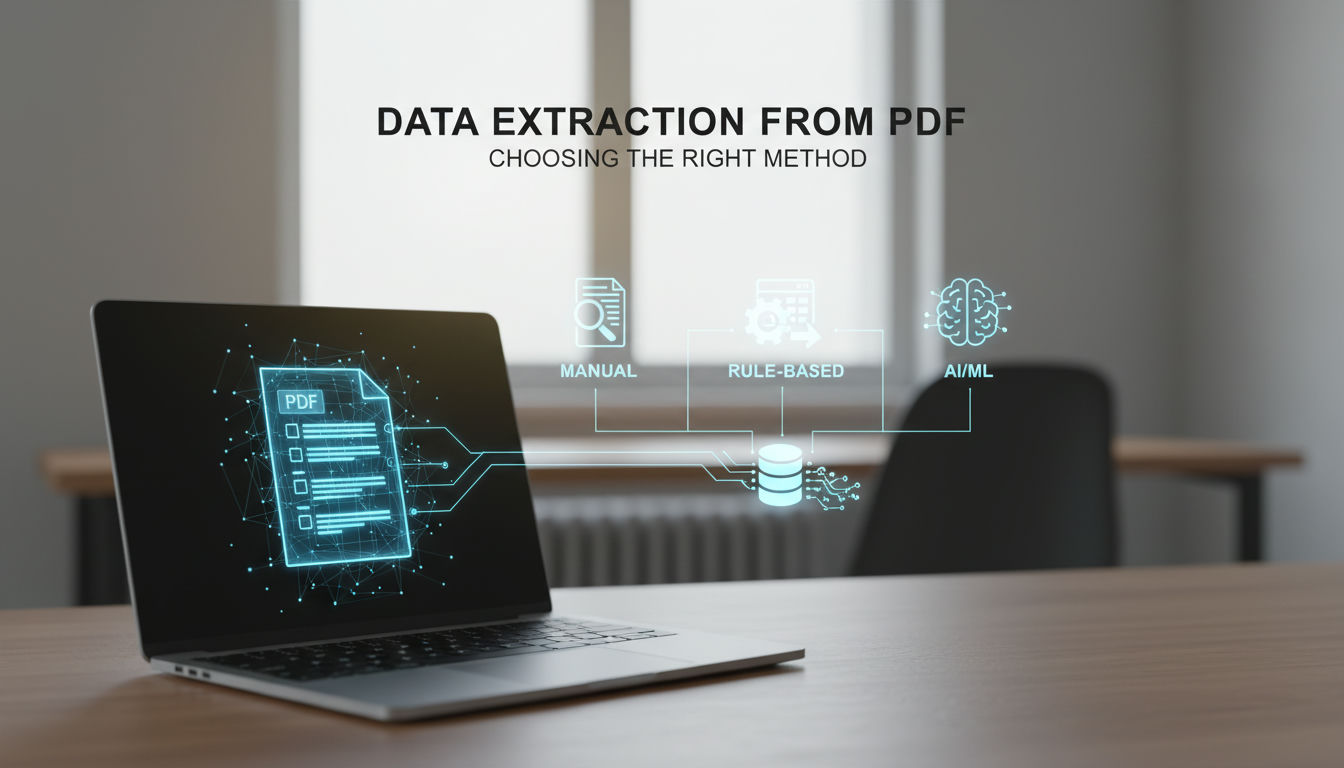
The Right Way to Extract Data from a PDF Depends on Two Things
Data extraction from PDF comes down to two decisions: pick parsing libraries for born-digital files, OCR engines for scanned images, or cloud document-AI APIs for structured forms, based on (1) whether your PDFs are born-digital or scanned and (2) whether this is a one-off task or a repeatable process run across hundreds or thousands of documents. A born-digital PDF stores characters as a text layer you can read directly, while a scanned PDF stores page images that need OCR. 300 DPI is the practical floor for reliable OCR, and accuracy drops sharply below 200 DPI.
Parsing handles embedded text fastest, OCR recovers text from scans, and document-AI services add structured field and table detection on top of either. The rest of this guide helps you pick between them based on your actual documents, volume, and accuracy needs. Before choosing a path, it helps to know what each category of tool actually does well.
Parsing Libraries, OCR, and Document-AI APIs: What Each Actually Does
If you've ever opened one PDF where you can select and copy text, and another where the page is just a flat image, you've already hit the split that determines which family you need: parsing libraries for born-digital PDFs with embedded text, OCR engines for scanned or image-based PDFs, and cloud document-AI APIs for structured forms like invoices and contracts. With the three categories named, the real question is how they compare on the criteria that matter.
Parsing libraries for born-digital PDFs
These libraries read the text and layout objects already stored inside the file. They work when text is embedded, and return little or nothing when the PDF is a scan.
- pypdf / PyPDF2 – lightweight, widely used for reading, splitting, merging, and basic text extraction. Good when you need direct access to PDF structure without heavy dependencies.
- pdfplumber – built on pdfminer.six and designed for detailed inspection. It exposes each character, rectangle, and line, plus table extraction and visual debugging. Its own docs note it works best on machine-generated, rather than scanned, PDFs, which makes it the go-to choice for digital reports with tables.
- PyMuPDF / fitz – described in its docs as a high-performance Python library for data extraction, focused on speed for opening, rendering, and extracting text and images at volume.
- pdfminer.six – lower-level, layout-aware parser that pdfplumber itself is built on. Useful when you need control over layout analysis parameters rather than ready-made table helpers.
Choose this family only when your PDFs are born-digital.
OCR engines for scanned PDFs
When text is not embedded, you have to recognize it from pixels first.
- Tesseract OCR – open-source, mature engine that takes an image or rendered PDF page and returns text and bounding boxes. Requires preprocessing (deskew, binarization) for messy scans, but reliable on clean documents.
- PaddleOCR – deep-learning based, stronger on multilingual text, rotated or curved text, and detection of text regions. Table quality depends on modules like PP-Structure, and it's often paired with a parsing library to handle layout after recognition.
If selection fails in a PDF viewer, you are in OCR territory. Many teams render PDF pages to images with PyMuPDF, then feed those images to an OCR engine before any structured extraction.
Cloud document-AI APIs for forms and key-value data
For repeating business documents (invoices, receipts, purchase orders, W-2s, contracts) managed APIs package OCR plus trained models for fields, tables, and key-value pairs. AWS Textract, Google Cloud Document AI, and Azure Document Intelligence all provide form parsing, table detection, line-item extraction, and confidence scores per field. You send a document, you get back structured JSON with entities like vendor name, invoice date, and table cells linked to their coordinates.
They cost per page and require network calls, but they handle the combination of text, layout, and context that single-purpose libraries do not try to solve.
Comparing PDF Extraction Methods Side by Side
The tradeoff across methods is predictable: parsing libraries win on cost and speed for born-digital files, open-source OCR handles scanned pages but needs extra work for tables, and cloud Document AI APIs cost per page but return tables, forms, and confidence scores out of the box. On AWS Textract, DetectDocumentText bills at $0.0015 per page for the first million pages in US West (Oregon) as of September 2026, while table extraction adds $0.015 per page on the same tier.
The table below uses the same criteria for each approach so you can see where each one breaks.
| Method | Handles scanned PDFs? | Table/field extraction quality | Setup effort | Cost model | Best fit |
|---|---|---|---|---|---|
| Parsing libraries (pypdf, pdfplumber, PyMuPDF) | No — needs OCR first | Good on born-digital tables; no key-value inference | Low — pip install, ~10-20 lines | Open-source, compute only | High-volume born-digital PDFs with text layer |
| OCR engines (Tesseract, PaddleOCR) | Yes | Raw text + boxes; tables need post-processing | Medium — language packs, model weights, optional GPU | Self-hosted compute | Scanned pages where cloud is disallowed |
| Cloud Document AI (AWS Textract, Google Document AI, Azure DI) | Yes | Best — native tables, forms, confidence scores | Medium-high — IAM, API wiring, custom labeling | Pay per page — AWS $0.0015 text, $0.015 tables, $0.05 forms | Invoices, IDs, mixed scans needing high accuracy |
Parsing libraries look free until you add engineering time for layout heuristics. OCR engines carry an open-source license and broad language coverage, but reported accuracy on document benchmarks varies by release and test set, so it's worth validating on your own files before committing. Cloud APIs invert the model toward pay-per-page pricing: AWS charges $0.0015 per page for text and $0.05 for forms, while Azure and Google publish their own per-page rates for basic OCR versus prebuilt and custom extraction (worth checking directly since they change), which makes high accuracy cheaper to start but more expensive at scale compared to self-hosted compute.
These tools all work well in isolation on a handful of files. The problems show up once volume and variety increase.
Where Single-Script Extraction Breaks at Scale
Single-script PDF extraction breaks at scale when document variety, not volume alone, introduces layout failures that test files never show. Invoice Data Extraction found that once you process hundreds of invoices from different sources, even skew angles of 2 to 5 degrees produce field-level errors, while borderless tables, nested sub-tables, and multi-column layouts cause standard parsers to misalign columns or drop rows entirely.
Inconsistent templates are the first shock. A parser tuned for Vendor A's bordered invoice works until Vendor B sends a version with the total in a different corner, no grid lines, or extra header rows. A single script with fixed coordinates or regex has no way to know it is looking in the wrong place, so it extracts the wrong field or returns empty without raising an alarm.
Layout complexity multiplies the problem. Borderless tables and nested sub-tables rely on whitespace alignment, not lines that a coordinate parser can detect. The source defines a complex table as one using borderless layouts that rely on whitespace alignment, cells that merge across multiple columns or rows, tables that continue across page breaks, nested sub-tables embedded within parent rows, and pages where tabular data sits alongside narrative paragraphs. Any single one of those features can cause standard extraction to fail, and real documents often combine several at once. Multi-column reports add another layer, where text from two columns gets read as one line, scrambling reading order.
Rotated and skewed scans degrade recognition further. Batch-fed scanners, phone photos, and re-saved PDFs introduce tilt, blur, and background noise. Low-resolution input below 200 DPI makes decimal points, hyphens, and small-font tax rates ambiguous, and preprocessing that strips noise can also erase light gridlines that table detection depends on.
The most expensive failure is silent. Low-confidence OCR still returns a value, just the wrong one, and a misread table shifts a unit price into the description field. Because a one-time script has no confidence threshold or cross-check, those wrong numbers flow straight into downstream records. That is why validation becomes necessary: checks like row-count matching, arithmetic on line totals, and flagging low-confidence fields must replace blind trust in automated output.
Low-confidence OCR or misread table extraction can silently insert wrong numbers into downstream records. Flag anything below a confidence threshold for human review rather than trusting automated output, especially for invoices and financial data.
These breakdowns do not mean extraction is impossible at volume; they show that a one-off extraction call cannot surface or contain them on its own.
Building PDF Extraction into a Reliable Pipeline
Stopping recurring PDF extraction from polluting production data means gating every write with field-level validation, a human review queue for exceptions, and storage to Postgres or Supabase. Once extraction runs daily, not once, the job shifts from parsing to pipeline discipline. The raw model output is never the final record. You first run checks that reflect how you actually use the data: a total that must reconcile with its line items, a date that must parse to a real calendar value, an ID that must exist in your system, a required field that cannot be blank. Anything that fails a check does not get published downstream.
AI-powered content systems and workflow automation built around your team’s tools, processes, and goals—designed, implemented, and maintained by a Cambridge-trained automation engineer.
Failed or uncertain extractions need somewhere to go other than a log file. Teams operationalize a review queue where low-confidence or rule-breaking documents are routed for correction. The pattern that holds up in practice, seen in n8n document workflows, is a proper correction interface rather than approve/reject. Operators fix the specific field value, that correction becomes the source of truth, and the feedback loop improves future accuracy.
Only after validation or human correction does the record land in structured storage. That means a Postgres table or Supabase collection with a defined schema, not loose CSVs or folders of JSON. Keeping the original PDF reference, the extracted JSON, reviewer name, and review timestamp alongside the final record gives you auditability when a customer asks where a number came from.
Use this template to define the pipeline before you wire it up:
| Step / Field | What to define | Example |
|---|---|---|
| Destination for clean records | Database and table where validated output writes | Postgres table public.extracted_invoices in Supabase |
| Validation rule | Business logic that must pass | line_items sum equals invoice_total; invoice_date parses to ISO date |
| Routing to review | Condition for human review | route when model flags field as uncertain or template is unseen |
| Review action | What reviewer does in queue | reviewer corrects field value in review UI, not just approve or reject |
| Audit trail | What you retain with each record | original PDF URL, extracted JSON, reviewer name Ana Silva, and review date 2026-05-13 |
Teams that have outgrown one-off scripts often implement this with n8n orchestration, Postgres/Supabase for structured output, and explicit human-in-the-loop steps for flagged extractions. One way to build it is Hesham Mashhour - AI Content Systems, built around that workflow-first pattern with documented review points and owned storage.
Which PDF Extraction Method Fits Your Situation
The mistake teams make with data extraction from PDF is choosing one tool for every file, when the right method depends on three practical facts: whether the PDF is born-digital or scanned, how consistent the layout is across documents, and whether you run it once or repeatedly.
Run your situation through this logic:
- Born-digital, consistent layout, one-off or low volume: a local parsing library script is fastest. You read text and tables directly, no OCR cost, and you control the output format.
- Born-digital, consistent layout, recurring at volume: keep the parsing library, but put it on a schedule with basic field validation and a log of failed files so you catch template changes early.
- Born-digital, varied layouts, any volume: layout variance breaks fixed coordinates. Move to heuristics for table detection or a cloud Document-AI API that handles diverse templates, and compare accuracy on your own samples before committing.
- Scanned, consistent layout, low volume: an OCR engine with fixed zones or template anchors works and keeps cost low.
- Scanned, consistent layout, recurring: same OCR engine, but you need confidence scores and a queue for low-confidence pages rather than accepting every result.
- Scanned or mixed, varied layouts, low or occasional volume: pay-per-page Document-AI APIs are usually the better trade. You avoid training and you get structured tables without maintaining OCR models.
- Scanned or mixed, varied layouts, weekly or daily at scale: tool accuracy is no longer the limit. You need a pipeline that orchestrates extraction, stores structured records in Postgres or Supabase, and routes exceptions to a person.
If you're running the same extraction weekly across inconsistent documents, the bottleneck isn't the tool anymore. It's the workflow around it.
At that last point, Hesham Mashhour - AI Content Systems fits as the operational layer around your chosen extraction tool, with n8n orchestration, structured storage, and human-in-the-loop review for flagged extractions, not as a replacement for the libraries or APIs themselves.
Take 20 representative PDFs from your backlog, label each on digital vs scanned, consistent vs varied, and one-off vs recurring, then match that cluster to the path above and run a small accuracy test before you automate anything else.
Sources
- PDF Data Extraction SDK for Scanned Pages and Structured Fields
- GitHub - jsvine/pdfplumber: Plumb a PDF for detailed information about each char, rectangle, line, et cetera — and easily extract text and tables.
- Welcome to PyMuPDF[¶](https://pymupdf.readthedocs.io/#welcome-to-pymupdf "Link to this heading")
- Textract Pricing Page
- OCR Preprocessing for Invoice Extraction: A Practical Guide
- Complex PDF Table Extraction: Borderless, Nested & Multi-Page | PDFTableExtraction.com
- PDF data extraction with AI guardrails and human-in-the-loop (Template) - Built with n8n - n8n Community
Frequently Asked Questions
How do I tell if my PDFs need OCR before I write any code?
Try selecting text in your viewer. A born-digital PDF created from a word processor already has a text layer you can select, while a scanned PDF is an image of a page inside a PDF file and selection fails, so you need OCR first.
What scan resolution should I require from vendors or my scanner for reliable extraction?
Ask for at least 300 DPI per page, which is the practical floor for reliable OCR. Accuracy drops sharply below 200 DPI because small characters, decimal points, and tax rates become ambiguous even after preprocessing.
Will pdfplumber work if my PDFs are scanned images?
No directly. pdfplumber is built on pdfminer.six and focuses on table extraction and visual debugging, and its docs note it works best on machine-generated, rather than scanned, PDFs. For scans, render pages to images with PyMuPDF, then run OCR and feed the recognized text back to pdfplumber.
Why do my tables fail when there are no borders or merged cells?
Those are complex table features: borderless tables that rely on whitespace alignment, cells that merge across multiple columns or rows, nested sub-tables, and tables that continue across page breaks. Any single one of these features can cause standard extraction to fail, so you need whitespace-aware detection or a Document-AI model.
How should I handle tables that spill across multiple pages?
Do not treat each page as a separate table. Carry the header forward, keep a persistent table ID, and stitch rows before you run business checks. Standard parsers stop at page breaks, so multi-page stitching has to be explicit.
When does it make financial sense to use AWS Textract instead of Tesseract?
Textract charges $0.0015 per page for DetectDocumentText, $0.015 for tables, and $0.05 for forms for the first million pages, while Tesseract costs only compute. Use Textract when you need native tables, forms, and confidence scores for varied layouts without maintaining models.
My scans come from phone photos and look slightly crooked — is that a problem?
Yes. Even skew angles of 2 to 5 degrees produce field-level errors on invoices because fields shift out of fixed zones. Deskew and binarize before OCR, and route low-confidence pages to human review instead of auto-accepting.
How do I prevent a wrong extraction from writing bad data to Postgres?
Never write model output directly to public.extracted_invoices. Gate writes with rules like line_items sum equals invoice_total and invoice_date parses to ISO, and keep the original PDF URL, extracted JSON, reviewer name, and timestamp together for an audit trail.