
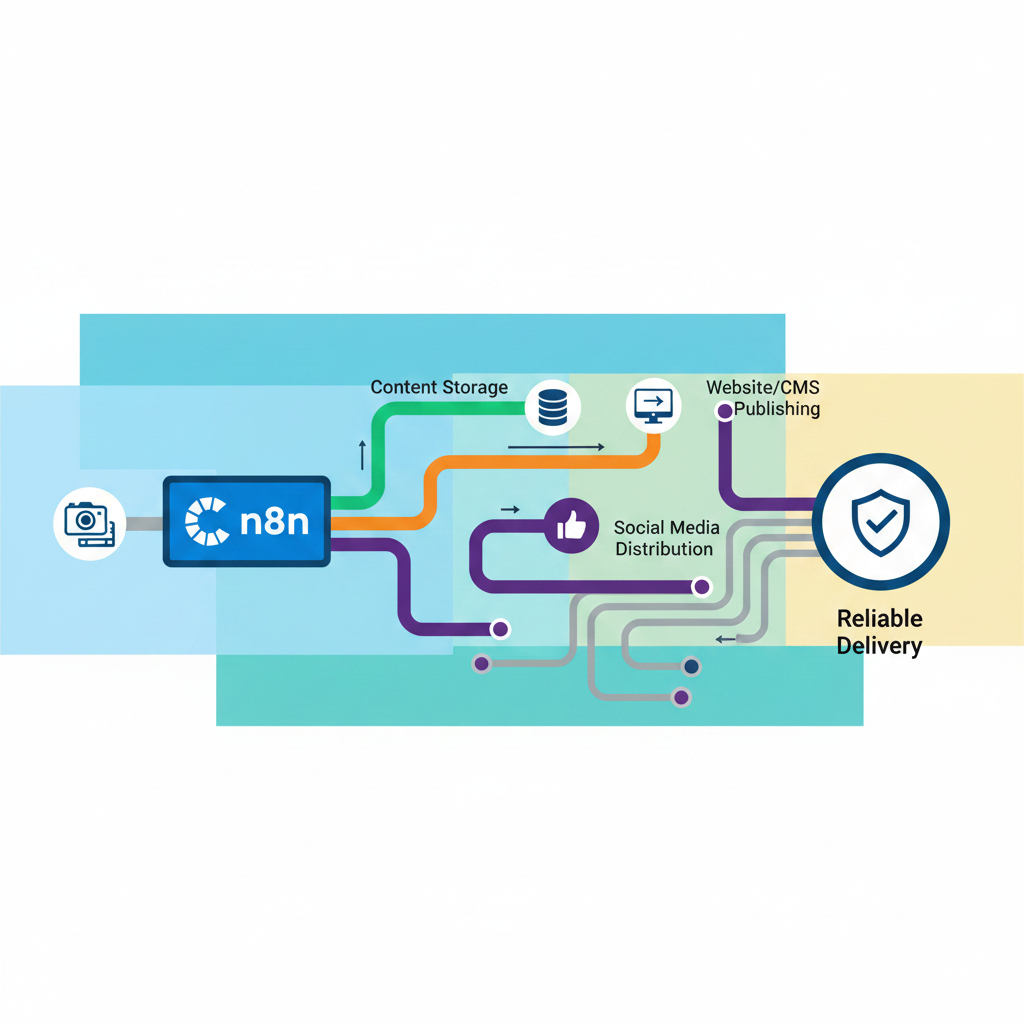
n8n integration techniques are the node-based patterns for connecting apps, routing data, and orchestrating work in n8n: triggers that start workflows, app-action nodes that act on external services, the HTTP Request node as a universal API adapter, logic and data nodes that transform, branch and merge, and AI agent nodes that call tools and models to complete tasks. Content teams apply those five patterns to move messy inputs (calls, notes, PDFs, transcripts) through extraction, structuring, drafting, and quality checks to published, quality-checked output.
Official documentation groups this building block view into trigger vs action operations and core nodes that handle logic, scheduling, and generic API calls, alongside cluster nodes like the AI Agent that coordinates chat models and tools. Without those patterns, teams end up with point-to-point automations that fail when a transcript format changes or an LLM returns partial JSON.
A content pipeline is not one integration but dozens of small handoffs that must stay typed, ordered, and observable. That five-node foundation is the base layer; the real engineering work happens in how those nodes are combined for content-specific data.
Core node types in n8n are the five execution primitives content teams rely on to turn raw inputs like calls, notes, PDFs, and transcripts into structured publishing outputs like briefs, drafts, and social posts: Triggers, App Action nodes, the HTTP Request node, Logic/Data nodes, and AI Agent nodes.
Triggers — schedule, webhook, app-event. Triggers start a workflow in response to specific events or conditions in your services. In content ops that is a webhook firing when a transcript lands in S3, a cron trigger polling Drive for new research, or a Notion trigger when a brief moves to Ready.
App Action nodes. Actions are operations that manipulate data and perform tasks on external systems. Gmail fetch, Drive download, Airtable upsert, WordPress create draft — the workhorses that move assets between tools.
HTTP Request node — the universal adapter. When n8n has no native integration, the HTTP Request node provides the generic path to call any API. Content teams use it to pull from a headless CMS with custom auth, hit an internal fact-check endpoint, or push formatted HTML where native nodes would strip tags.
Logic/Data nodes. Core nodes also provide logic, scheduling, and generic API capabilities such as IF, Switch, Merge, and Filter. They enforce pipeline rules: if summary missing then loop back, if source type = podcast then route to long-form branch.
AI Agent nodes. The LLM layer for drafting, memory, and vector retrieval. An AI Agent node can draft a brief from raw notes while pulling prior brand voice from a vector store, keeping retrieval separate from generation.
Standard nodes get you to a working demo; production content pipelines need the advanced patterns below to survive scale and messy inputs.
Advanced n8n integration patterns, credential-only nodes, Execute Workflow sub-workflows, and Code nodes, turn a demo canvas into a maintainable content pipeline by isolating auth, reuse, and data cleanup. Without them, teams hardcode tokens, copy-paste giant workflows, and ship broken JSON straight to a CMS.
n8n documents credential-only nodes as integrations where it supports setting up credentials for use in the HTTP Request node, but does not provide a standalone node. You configure OAuth2 or API token once in credentials, then pair it with HTTP Request for the actual call. For content pipelines this matters when you hit a niche provider, like a transcription API, a research database, or a headless CMS that lacks a native n8n node. Instead of embedding secrets in headers, you reuse the managed credential and keep the call auditable and rotatable.
The modular sub-workflow pattern lets you call one workflow from another to build microservice-like workflows. Parent workflows pass data to an Execute Sub-workflow Trigger, the child runs, and the last node returns results. In content ops, build one sub-workflow called Format for CMS that sanitizes HTML, trims titles, enforces slug rules, and applies taxonomy. Then call it from three parents: newsletter, blog post, and LinkedIn thread. When formatting rules change, you edit one place. n8n also notes sub-workflow executions do not count toward plan execution limits, which keeps modularization cheap.
LLMs rarely return clean JSON. A Code node running JavaScript or Python sits between the model and your templating or CMS node to normalize schemas, coerce types, map arrays, and drop malformed blocks. A concrete content use case: the draft generator sometimes returns tags as a string, sometimes as an array, and sometimes nests meta incorrectly. A 10-line Code node standardizes tags to lowercased arrays, validates required fields like title, body, seo_description, and throws a structured error if validation fails, so bad drafts never reach publish.
Once the architecture is sound, the failure points shift from "can it connect" to "can it be trusted not to publish garbage."
Node patterns in n8n content pipelines prevent predictable failures by mapping each technique to the n8n mechanism that blocks that failure. In production, queue-mode workers run with a default concurrency of 10 and Redis as the broker, while error handling requires an explicit error-trigger workflow pattern. Heavier volume tends to call for queue mode with additional workers, though the exact execution count at which that switch pays off varies by setup, worth checking against current n8n scaling guidance rather than treating any fixed number as gospel.
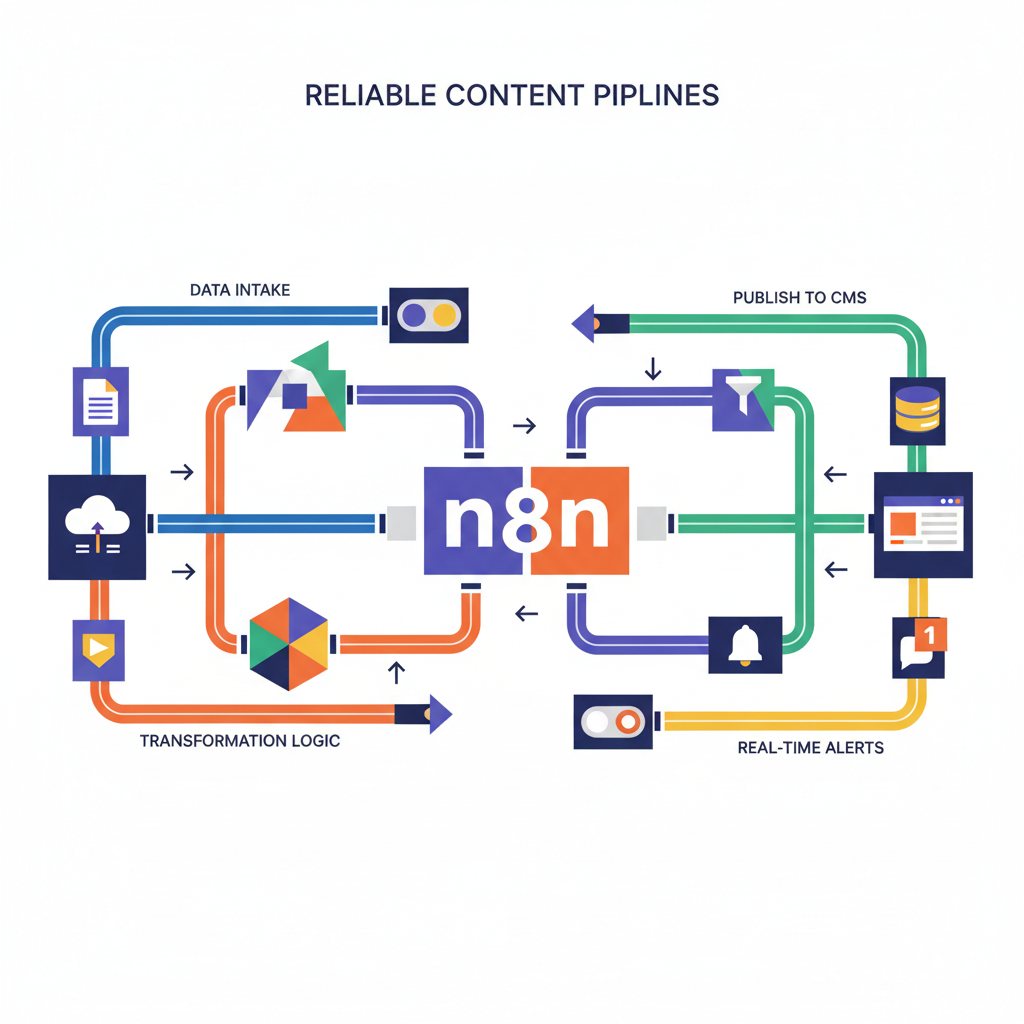
The table below pairs each production technique with its n8n implementation and the specific content failure it stops, so you can audit a pipeline before it publishes.
| Technique | n8n Mechanism | Content-Pipeline Failure It Prevents |
|---|---|---|
| Error Trigger workflows | Error Trigger node + Error Workflow in Workflow Settings, Stop and Error node | Failed draft or LLM call silently publishing with no alert |
| Credential / Env-Var management | Credential-only nodes, N8N_ENCRYPTION_KEY shared across workers, env vars | API key leak or credential mismatch breaking production after restart |
| Rate-limit / Batching | Batch size, Wait nodes, concurrency flags, per-provider throttling | Rate-limited LLM calls (OpenAI/Gemini/Anthropic) stalling a large batch of articles |
| Code-node validation | Code node (JS/Python) with JSON schema checks | Malformed JSON from LLM outputs breaking CMS import and publishing blank pages |
| Sub-workflow modularity | Execute Workflow node, shared error workflows | One broken sub-flow (transcript parser) taking down entire pipeline |
| Queue-mode / Docker scaling | EXECUTIONS_MODE=queue, Redis queue, worker concurrency default 10 recommend 5+ | — |
When these mechanisms are combined, failure becomes isolated and visible: a malformed LLM payload is caught by validation, a rate-limited provider backs off without stalling the queue, and a single broken parser does not halt the entire batch. Teams that move from DIY graphs to engineered operations often add human-in-the-loop quality gates on top. Hesham.us, for example, layers quality thresholds, adjudication, and drift detection over these raw n8n primitives with aftercare, rather than leaving the checks to ad-hoc nodes. That combination of reliability plus judgment about what to automate is ultimately a design decision, not just a technical one.
One-line verdict: a pipeline without error-trigger workflows and quality gates isn't automation; it's a slop-generator waiting to publish unreviewed output.
Choosing which n8n integration techniques your content pipeline actually needs is a sequencing decision based on publication volume, contributor count, and the cost of a bad publish. A solo creator publishing on a light cadence can ship reliably with triggers, app-action nodes, and an AI agent node paired with careful credential handling. The reference table shows what each technique prevents; the remaining decision is sequencing: what to build first, and when to stop building it yourself.
A free, no-pressure 15 or 30 minute call to figure out whether the content workflow you've got in mind is actually buildable.
For a solo creator just starting out, the early stage is about inputs and basic output: triggers and app-action nodes for calls, notes, and transcripts, plus a connection into your CMS, with environment-variable credential storage from day one so tokens never live in node fields.
A small team publishing multiple pieces per week hits the growth stage, where the priority shifts to catching bad output before it spreads: Code-node validation to clean malformed LLM JSON, Execute Workflow sub-workflows to isolate drafting from formatting and publishing, and quality gates with adjudication logic between draft and publish.
Multi-writer teams publishing daily need the scale stage, layering in error-trigger workflows that catch a failed draft and route it back to review instead of publishing, rate-limit and batching settings across providers, and persistent logging. Queue-mode scaling only belongs after these controls exist.
The two common failures sit at opposite ends. Over-engineering is building queue-mode or Kubernetes runners before you have error handling, so a single API hiccup still creates a silent blank post. Under-engineering is skipping credential security or threshold checks to move fast, which trades speed for higher failure cost and manual cleanup.
When maintaining nodes, fixing JSON parsing, and chasing drift between OpenAI, Gemini, and Anthropic outputs takes more time than editing, you have crossed the DIY-maintenance threshold. At that point teams often keep editorial control and hand the plumbing to engineered support. Hesham.us Automated Content Pipelines is built for exactly that hand-off, implementing these same patterns with custom code, quality controls, and aftercare so the graph stays dependable without duct tape.
They are integrations where n8n supports setting up credentials for use in the HTTP Request node, but doesn't provide a standalone node. You create the OAuth2 or API key once in Credentials and select it in HTTP Request, which keeps secrets rotatable and auditable. See pattern in credential-only nodes.
No. Sub-workflow executions don't count towards your plan's monthly execution or active workflow limits. That makes the modular sub-workflow pattern cheap for reuse, like a single Format for CMS child called from blog, newsletter, and LinkedIn parents.
An error workflow must start with the Error Trigger node, and you must set it as your error workflow in Workflow Settings. Without that link, failed LLM calls or drafts can fail silently. Details in error handling.
Each worker is its own Node.js instance with a default concurrency of 10 jobs per worker, and docs recommend 5 or higher. You scale up or down by adding or removing workers using Redis as the queue broker. See queue mode.
If you need to connect to a service where n8n doesn't have a node, you can still use the HTTP Request node as a universal adapter. Pair it with a credential-only credential when available, so you avoid hardcoding tokens. Pattern described in Nodes.
Split when you repeat the same logic in multiple parents or when one section like transcript parsing could take down the whole pipeline. The pattern lets you call one workflow from another to build microservice-like workflows, so you fix formatting or validation in one place.
Put a Code node running JavaScript or Python between the model and your CMS node to enforce a JSON schema. Normalize fields like tags that sometimes arrive as string vs array, validate required fields like title, body, and seo_description, and throw a structured error if validation fails.
The AI Agent node lets you build an AI agent in n8n. Connect a chat model and one or more tools, and the agent decides which tools to call to complete a task, which is useful for drafting with brand voice retrieved from a vector store. See AI Agent.